
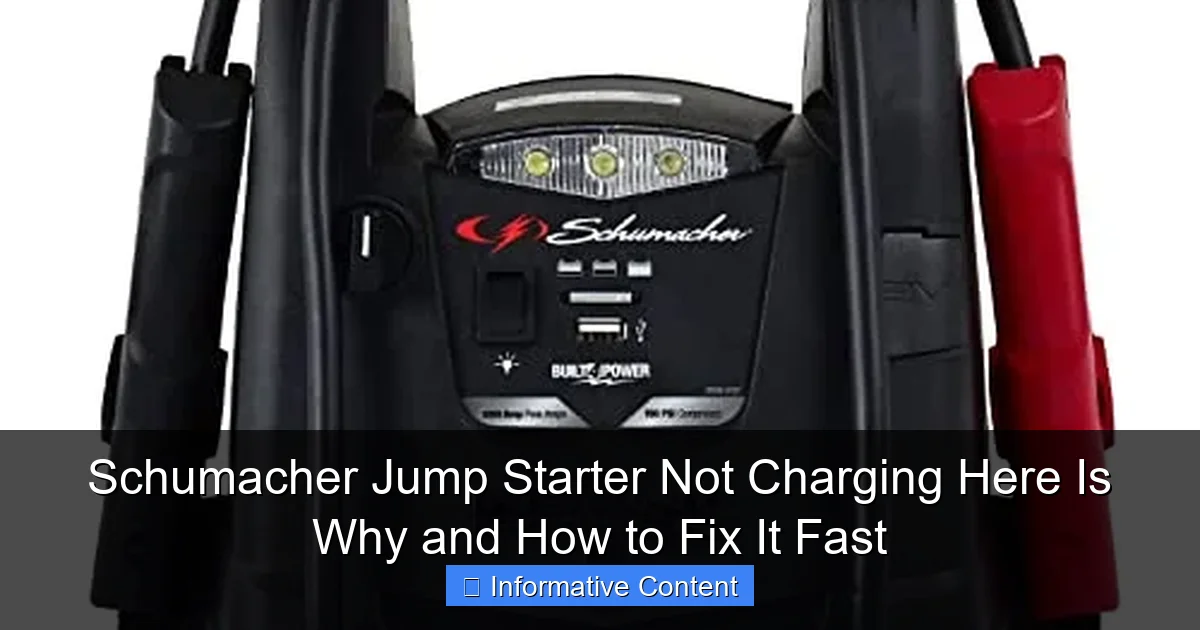
Featured image for schumacher jump starter not charging
Image source: m.media-amazon.com
A Schumacher jump starter not charging is often caused by a faulty power source, depleted internal battery, or connection issues—check these first. Ensure the charger is properly plugged into a working outlet and verify the battery’s charge level using the unit’s indicator lights. Simple fixes like resetting the device, cleaning corroded terminals, or replacing a dead battery can restore function fast.
Key Takeaways
- Check power source first: Ensure outlet and voltage are functional before troubleshooting further.
- Inspect cables and connections: Look for frayed wires or loose plugs causing charging issues.
- Reset the device: A quick reset can resolve internal glitches halting the charging process.
- Test battery health: Weak or dead batteries often prevent Schumacher jump starters from charging.
- Clean battery terminals: Remove corrosion or dirt to ensure proper contact and charging efficiency.
- Update firmware if possible: Some models require updates to fix charging bugs or errors.
📑 Table of Contents
- Why Your Schumacher Jump Starter Isn’t Charging (And What You Can Do About It)
- Understanding How Schumacher Jump Starters Charge
- Top 5 Reasons Your Schumacher Jump Starter Isn’t Charging
- Step-by-Step Troubleshooting Guide to Fix It Fast
- When to Call It Quits: Signs You Need a Replacement
- Preventing Future Charging Problems: Pro Tips
- Data Table: Common Schumacher Models and Charging Specs
Why Your Schumacher Jump Starter Isn’t Charging (And What You Can Do About It)
Picture this: you’re running late for work, and your car won’t start. You grab your Schumacher jump starter—the one you’ve trusted for years—only to realize it’s dead. You plug it in, wait, and… nothing. No lights, no hum, no sign of life. Frustrating, right? You’re not alone. A Schumacher jump starter not charging is one of the most common issues users face, and it can leave you stranded when you need it most.
But don’t panic. This isn’t always a death sentence for your device. In many cases, the problem is fixable—often with simple troubleshooting steps you can do at home. Whether it’s a faulty charger, a drained battery, or a software glitch, there’s usually a reason behind the silence. In this guide, I’ll walk you through the most common causes, how to diagnose them, and the fastest ways to get your jump starter back in action. Think of this as your go-to troubleshooting buddy—no tech degree required.
Understanding How Schumacher Jump Starters Charge
Before we dive into fixes, let’s take a quick look at how these devices actually charge. Knowing the basics helps you spot problems faster and avoid unnecessary stress.
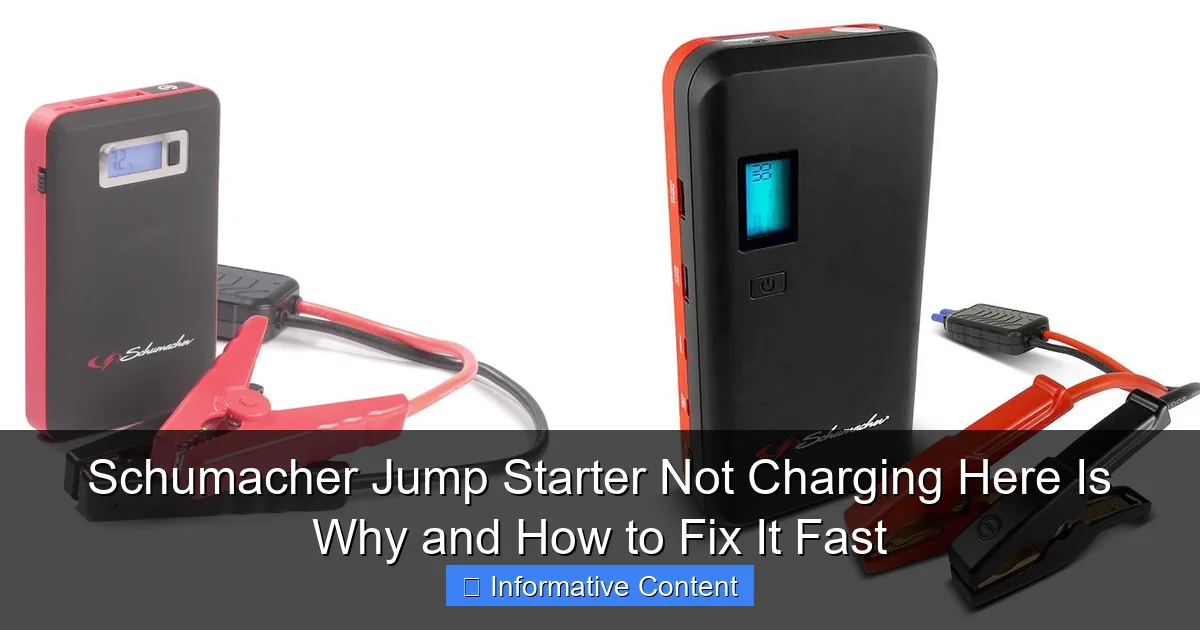
Visual guide about schumacher jump starter not charging
Image source: docerp.s3.amazonaws.com
How Charging Works in Schumacher Models
Schumacher jump starters are portable power banks designed to jump-start vehicles using a built-in lead-acid or lithium-ion battery. Most models charge via an AC wall adapter (like a phone charger) or a 12V car socket. When you plug it in, the internal charging circuit manages the flow of electricity to safely recharge the battery. A series of indicator lights usually show progress: red for charging, green for full, and sometimes blinking lights for errors.
For example, the Schumacher DSR121 has a simple three-light system: red (charging), yellow (low battery), and green (fully charged). But if none of these lights turn on, or if they behave oddly (like flashing red), that’s your first clue something’s off.
Common Charging Components and Their Roles
- AC Adapter: Supplies power from the wall outlet. If it’s damaged or low-quality, charging won’t work.
- Charging Port: The physical jack on the unit. Loose connections or debris can block the current.
Prevents overcharging and protects the battery. If it fails, the unit won’t accept a charge. - Indicator Lights: Give feedback on charge status. Malfunctioning lights can mislead you.
- Charging Circuit: Regulates voltage and current. A blown fuse or damaged component here stops charging entirely.
<
I once had a Schumacher unit that wouldn’t charge. I assumed the battery was dead, but it turned out the charging port had a tiny crack. A loose connection was preventing the adapter from making contact. Once I fixed that, the lights came back on. Moral of the story: don’t skip the basics.
Top 5 Reasons Your Schumacher Jump Starter Isn’t Charging
Now let’s get to the heart of the matter: why your Schumacher jump starter not charging might be happening. These are the five most common culprits, ranked by frequency.
1. Faulty or Damaged Charging Adapter
The adapter is your jump starter’s lifeline. If it’s frayed, bent, or not delivering the right voltage, your device won’t charge. I’ve seen users try three different adapters before realizing the original one was the problem.
Signs: No lights when plugged in, intermittent charging, adapter feels hot.
Tip: Test the adapter with a multimeter. It should output around 12-14V DC (check your model’s manual for exact specs). If it’s under 10V or over 15V, it’s faulty. You can also try a known-good adapter from another Schumacher model (if compatible).
2. Dead or Deeply Discharged Battery
Lithium-ion and lead-acid batteries don’t like being completely drained. If your jump starter sat unused for months, the battery might have gone into a “sleep” state. The BMS detects this as unsafe and blocks charging to prevent damage.
Signs: No lights, no response even after 24+ hours on the charger.
Example: A friend left his Schumacher DSR131 in a cold garage over winter. When he tried to charge it in spring, nothing happened. The battery was so low the BMS wouldn’t allow a charge. He had to use a “jump start” method (more on that later).
3. Charging Port Issues
The port where the adapter plugs in can wear out, collect dust, or become loose. A wobbly connection means no power transfer.
Signs: Adapter feels loose, lights flicker when you wiggle the plug.
Tip: Use compressed air to clean the port. If it’s physically damaged, you may need to solder a new port or contact Schumacher support.
4. Internal Circuit or BMS Failure
This is more serious. If the BMS thinks the battery is unsafe (due to overheating, over-discharge, or a short circuit), it shuts down charging. This can happen after a bad jump-start attempt or if the unit was exposed to extreme heat.
Signs: Charging light flashes red, error codes (if your model has a screen), no response even with a good adapter.
Note: Some Schumacher models have a “reset” button or a hidden reset procedure. Check your manual—sometimes holding the power button for 10-15 seconds can reset the BMS.
5. Software Glitch or Firmware Issue
Yes, even jump starters can have software problems. Some newer models have firmware that controls charging logic. A bug or corrupted update can freeze the charging process.
Signs: Lights behave erratically, unit powers on but won’t charge, error codes on digital models.
Tip: Unplug the unit, hold the power button for 30 seconds (to drain residual power), then plug it back in. This forces a reboot. If you have a smart model (like the Schumacher SC1200), visit Schumacher’s website for firmware updates.
Step-by-Step Troubleshooting Guide to Fix It Fast
Now that you know the possible causes, let’s fix this thing. Follow these steps in order. They’re designed to go from easiest (and cheapest) to most complex.
Step 1: Check the Basics (The 5-Minute Test)
- Plug the adapter into a working outlet. Try a different outlet if possible.
- Ensure the adapter’s plug is fully inserted into the jump starter.
- Look for lights. Even a faint glow means something is happening.
- Wait 10-15 minutes. Some units take time to “wake up” if the battery is very low.
Real-life example: My sister’s Schumacher wouldn’t charge. We discovered she was using a phone charger (5V) instead of the 12V adapter. Once we used the correct one, it charged normally.
Step 2: Test the Adapter and Cable
Swap the adapter with a known-good one. If you don’t have one, borrow from a friend or buy a replacement (Schumacher sells them online). Test the cable for kinks or breaks. A multimeter helps, but you can also try the “plug test”: plug the adapter into the jump starter, then gently wiggle the cable. If the lights flicker, the cable is damaged.
Step 3: Try a “Battery Wake-Up” Method
If the battery is deeply discharged, it might need a small “jump” to wake up the BMS. Here’s how:
- Plug in the adapter and let it sit for 2-3 hours. Sometimes slow charging can revive a dead battery.
- If that fails, try connecting the jump starter to a working car battery using the jumper cables (not for starting—just for power). This provides a small charge to wake up the BMS. Leave it connected for 5-10 minutes, then plug in the regular charger.
- Caution: Do not attempt this if the jump starter shows signs of damage (swelling, leaks, burns).
Step 4: Clean and Inspect the Charging Port
Use compressed air to blow out dust. For stubborn debris, use a toothpick or plastic spudger (never metal—it can cause a short). Look for corrosion or bent pins. If the port is loose, you might need to open the unit (see next section).
Step 5: Reset the BMS or Firmware
- Manual Reset: Unplug everything. Hold the power button for 15-30 seconds. Plug in the charger and wait.
- Firmware Reset: For models with screens or Bluetooth (e.g., Schumacher SC1300), check the manual for a reset code. Often it’s holding two buttons for 10 seconds.
- Hard Reset: As a last resort, open the unit (if you’re comfortable with electronics) and disconnect/reconnect the battery. This resets the BMS. Only do this if you’re experienced.
Step 6: Open the Unit (Advanced Users Only)
If all else fails, the issue might be internal. This requires opening the case, which voids the warranty. But if your unit is old or out of warranty, it’s worth a try.
- Remove screws (usually Torx or Phillips) on the back.
- Carefully open the case. Look for:
- Blown fuses (replace with the same rating).
- Disconnected wires (resolder if needed).
- Corrosion on the circuit board (clean with isopropyl alcohol).
- Swollen battery (replace immediately—this is a fire risk).
- Reassemble and test.
Pro tip: Take photos as you open the unit so you can reassemble it correctly.
When to Call It Quits: Signs You Need a Replacement
Not every jump starter can be saved. Here’s how to know when it’s time to let go.
Physical Damage
If the case is cracked, the battery is leaking, or there’s a burning smell, stop using it. These are fire hazards. Even if it charges, it’s not safe.
Age and Battery Degradation
Most jump starter batteries last 2-5 years. If your unit is older than 4 years and won’t hold a charge, the battery is likely degraded. You can replace the battery yourself (search for your model + “battery replacement”), but it’s often cheaper to buy a new unit.
Cost of Repair vs. Replacement
Let’s say you need a new BMS or circuit board. If the part costs $50 and your jump starter was $80 new, it’s not worth it. Use this rule: if repairs cost more than 50% of the original price, consider replacing it.
Example: A reader had a Schumacher DSR111 that wouldn’t charge. After troubleshooting, we found a blown MOSFET on the circuit board. The part cost $12, and they fixed it in an hour. Total savings: $68. But if the part was $60, they’d have bought a new one.
Warranty and Support
Schumacher offers a 1-3 year warranty on most models. If your unit is under warranty, contact them. They might replace it for free. Visit schumacherelectric.com and use the support chat or call their customer service.
Preventing Future Charging Problems: Pro Tips
An ounce of prevention is worth a pound of cure. Here’s how to keep your Schumacher jump starter ready to go.
Charge It Regularly
Don’t wait until it’s dead. Charge your jump starter every 3-6 months, even if you don’t use it. Lithium-ion batteries degrade faster when stored fully discharged.
Store It Properly
Keep it in a cool, dry place. Avoid extreme heat (like a hot garage) or freezing temperatures (like a car trunk in winter). Ideal storage temperature: 50-77°F (10-25°C).
Use the Right Charger
Only use the original Schumacher adapter or a compatible one with the correct voltage. Cheap third-party chargers can damage the battery or BMS.
Inspect It Monthly
Every month, give it a quick check:
- Look for cracks, leaks, or swelling.
- Clean the charging port.
- Press the power button to see if the lights work.
- Charge it for 1-2 hours to top off the battery.
Label the Adapter
Put a sticker on the adapter with the model number. That way, if you misplace it, you know exactly what to replace it with.
Data Table: Common Schumacher Models and Charging Specs
| Model | Battery Type | Charging Voltage | Charging Time (Empty to Full) | Special Notes |
|---|---|---|---|---|
| Schumacher DSR111 | Lithium-ion | 12V DC | 3-4 hours | Has USB ports; use only original adapter |
| Schumacher DSR121 | Lithium-ion | 12V DC | 2-3 hours | Three-light system; reset button on back |
| Schumacher DSR131 | Lithium-ion | 12V DC | 4-5 hours | Larger capacity; prone to deep discharge if unused |
| Schumacher SC1200 | Lead-acid | 12V DC | 8-12 hours | Slow charging; avoid overcharging |
| Schumacher SC1300 | Lithium-ion | 12V DC | 3-5 hours | Digital display; firmware updates available |
Note: Always refer to your model’s manual for exact specs.
Dealing with a Schumacher jump starter not charging can be stressful, but it’s rarely the end of the road. Most issues come down to simple things—a bad adapter, a dirty port, or a battery that needs a little wake-up call. By following the steps in this guide, you can diagnose and fix the problem in under an hour. And if it’s beyond repair? At least you’ll know you tried everything before spending money on a new one.
Remember: your jump starter is only as good as its charge. Treat it well, store it properly, and give it a little love every few months. That way, when you’re standing in the rain with a dead car battery, you’ll know your Schumacher will be ready to save the day.
Frequently Asked Questions
Why is my Schumacher jump starter not charging?
A Schumacher jump starter not charging is often caused by a faulty power source, damaged charging cable, or internal battery issues. Ensure the outlet works and inspect the cable for fraying or loose connections.
How do I troubleshoot a Schumacher jump starter that won’t charge?
First, try a different outlet and charging cable. If the problem persists, check the jump starter’s indicator lights for error codes (refer to the manual) and reset the unit if possible.
Can a dead battery cause my Schumacher jump starter not to charge?
Yes, if the internal battery is deeply discharged or damaged, the jump starter may not charge. Try jump-starting it with a car battery or using a manual override mode if your model supports it.
What do the blinking lights mean when my Schumacher jump starter is not charging?
Blinking lights typically indicate an error like overvoltage, overheating, or a faulty battery. Consult your user manual to decode the specific light pattern and address the issue.
How long should it take to fully charge a Schumacher jump starter?
Most Schumacher models take 4–12 hours to charge fully, depending on capacity and power source. If it’s taking significantly longer, the charger or internal battery may need replacement.
Is there a reset button on Schumacher jump starters?
Many models have a reset button or pinhole reset option to clear faults. Hold it for 5–10 seconds if the unit isn’t charging or responding. Check your manual for exact steps.