
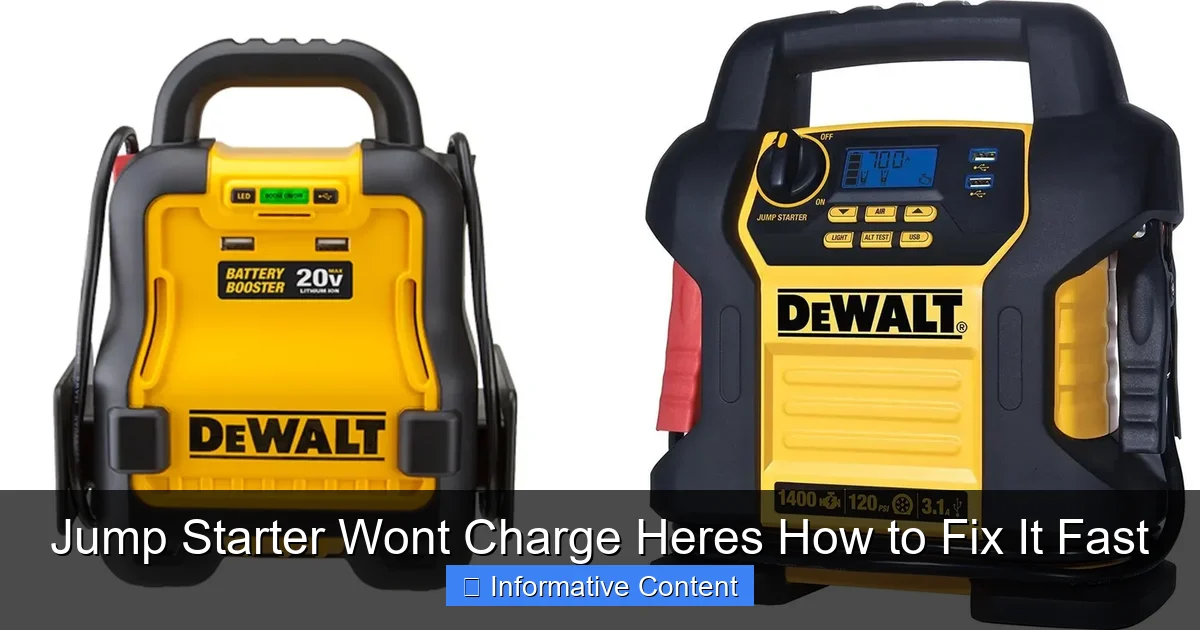
Featured image for jump starter won’t charge
Image source: docerp.s3.amazonaws.com
If your jump starter won’t charge, the issue is often a simple fix—start by checking the power source, charging cable, and battery connections. Ensure the outlet works, the cable isn’t damaged, and the jump starter’s indicator lights respond; if not, try a different USB port or charger. Persistent problems may indicate a drained internal battery or faulty circuitry, but troubleshooting these steps first can save time and avoid unnecessary replacements.
Key Takeaways
- Check the power source first: Ensure the outlet or USB port is functional.
- Inspect charging cables: Replace damaged or frayed cords immediately.
- Verify battery connections: Clean corroded terminals for better conductivity.
- Reset the jump starter: Hold the power button for 10 seconds.
- Avoid extreme temperatures: Store and charge in moderate conditions.
- Test with alternate charger: Rule out adapter or cable issues.
📑 Table of Contents
- Why Your Jump Starter Won’t Charge (And What You Can Do About It)
- Understanding How Jump Starters Charge (The Basics You Need to Know)
- Step-by-Step Troubleshooting: Diagnosing the Root Cause
- Advanced Fixes for Stubborn Charging Issues
- Preventing Future Charging Problems (Maintenance Tips)
- When to Replace Your Jump Starter (And What to Look For)
Why Your Jump Starter Won’t Charge (And What You Can Do About It)
Picture this: You’re in a rush to get to work, the car won’t start, and you grab your trusty jump starter—only to find it’s completely dead. No lights, no beeps, nothing. Your heart sinks. We’ve all been there. A jump starter that won’t charge is more than just an inconvenience—it’s a potential safety hazard when you’re stranded in a dark parking lot or miles from help. But before you toss it in the trash or blame the manufacturer, take a breath. Most charging issues are fixable, and many stem from simple, overlooked causes.
Jump starters are designed to be lifesavers, but they rely on regular maintenance and proper usage to stay ready. The good news? You don’t need to be a mechanic to troubleshoot this problem. Whether your jump starter is brand new or a few years old, this guide will walk you through the most common reasons it’s not charging and how to fix it—fast. From dead lithium-ion cells to faulty chargers, we’ll cover everything with real-world examples and practical tips. Think of this as your go-to troubleshooting manual, written like a chat with a friend who’s fixed this exact problem more times than they can count.
Understanding How Jump Starters Charge (The Basics You Need to Know)
How Jump Starters Store and Deliver Power
Jump starters use either lithium-ion or lead-acid batteries to store energy. Lithium-ion models are lighter and more compact, making them popular for everyday use. They charge by drawing power from a wall outlet, car charger, or sometimes USB-C. The battery management system (BMS) regulates the charging process, ensuring the battery doesn’t overheat or overcharge. When you press the power button, the BMS activates the jump-start function, delivering a burst of power to your car’s battery.
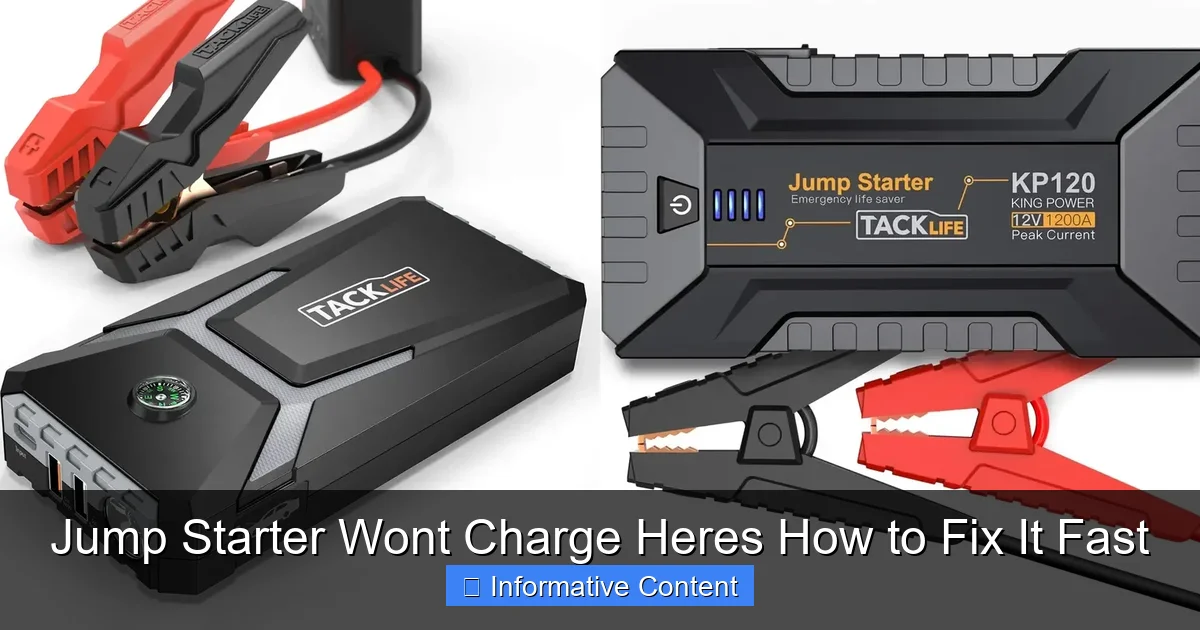
Visual guide about jump starter won’t charge
Image source: docerp.s3.amazonaws.com
But here’s the catch: Unlike your phone, which you charge daily, jump starters often sit idle for weeks or months. This inactivity can trigger a protective shutdown mode in the BMS. For example, I once left my jump starter in my trunk for six months. When I tried to charge it, it wouldn’t respond. After some research, I learned the BMS had entered “deep sleep” mode to protect the battery. A 30-second reset fixed it—but I wasted an entire morning panicking first.
Common Charging Indicators and What They Mean
Most jump starters have LED indicators to show charging status. Here’s what to watch for:
- Solid red light: Charging in progress.
- Blinking red: Low battery, charging slowly.
- Solid green: Fully charged.
- No lights at all: Could be a dead battery, faulty charger, or BMS issue.
- Flashing red/green: Often indicates an error (e.g., overheating, voltage mismatch).
Pro tip: Always check your jump starter’s manual. For instance, the NOCO Boost Plus has a “reset” button you can press with a paperclip if the BMS shuts down. My friend’s jump starter wouldn’t charge until he discovered this hidden reset—after three weeks of assuming it was broken.
Step-by-Step Troubleshooting: Diagnosing the Root Cause
Step 1: Test the Charger and Power Source
Before blaming the jump starter, rule out the charger. Try these quick checks:
- Plug the charger into a different outlet. I once spent an hour troubleshooting a “dead” jump starter, only to realize the outlet in my garage wasn’t working.
- Use a different charger (if compatible). For example, if your jump starter supports USB-C, try charging it with a laptop charger.
- Inspect the charger cable for frayed wires or bent pins. A friend’s jump starter wouldn’t charge because the cable was damaged inside the insulation—visible only when bent.
Step 2: Inspect the Jump Starter’s Ports and Connections
Debris, corrosion, or loose connections can block charging. Here’s what to do:
- Use compressed air or a soft brush to clean the charging port. I found sand clogging my jump starter’s port after a beach trip.
- Check for bent or misaligned pins. A slightly crooked pin can prevent a full connection.
- Wiggle the cable gently while it’s plugged in. If the light flickers, the port may be loose.
Example: My neighbor’s jump starter wouldn’t charge until he noticed the USB-C port had a tiny piece of lint stuck inside. A toothpick fixed it in seconds.
Step 3: Check for Deep Discharge or Battery Failure
Lithium-ion batteries can’t be charged if they’re deeply discharged (below 2.5V). Symptoms include:
- No response to charging after 30+ minutes.
- Jump starter feels unusually light (battery may have failed).
If this happens, try a “trickle charge” with a low-voltage charger (e.g., 5V/0.5A). Some jump starters have a “boost” mode for this—check your manual. I revived a dead jump starter this way after it sat unused for a year.
Advanced Fixes for Stubborn Charging Issues
Resetting the Battery Management System (BMS)
The BMS can lock out charging if it detects a fault. To reset it:
- Unplug the charger and wait 10 minutes.
- Press and hold the power button for 10–15 seconds (this discharges residual power).
- Plug the charger back in. For some models (like DBPOWER), you’ll need to press a hidden reset button with a paperclip.
Real-world example: A Reddit user’s jump starter wouldn’t charge for weeks. After resetting the BMS, it charged normally. The fix took 2 minutes.
Jump-Starting the Jump Starter (Yes, It’s a Thing)
For lithium-ion jump starters with dead batteries, you can sometimes “jump” them using another power source:
- Use a 12V car battery: Connect the jump starter’s clamps to the car battery (red to red, black to black). This can wake up a deeply discharged battery.
- Use a USB power bank: Some jump starters can be trickle-charged via USB-C. Try a high-capacity power bank (20,000mAh+).
Warning: Never connect a car battery to a jump starter’s charging port—this can damage the BMS. Always use the jumper clamps if your model supports it.
When to Use a Multimeter (And What to Look For)
If you’re comfortable with basic electronics, a multimeter can pinpoint the issue:
- Test the charger output: Set the multimeter to DC voltage. A 12V charger should read ~12.6V when unplugged. If it’s below 10V, replace the charger.
- Test the jump starter’s battery: Open the case (if possible) and check the battery voltage. A healthy lithium-ion cell should read 3.7V–4.2V. Below 3V? It’s likely dead.
Example: My dad used a multimeter to confirm his jump starter’s battery had failed. He replaced it for $20 instead of buying a new $100 unit.
Preventing Future Charging Problems (Maintenance Tips)
How Often to Charge Your Jump Starter
Most manufacturers recommend charging every 3–6 months, even if unused. Here’s why:
- Lithium-ion batteries degrade faster when stored at 0% charge.
- Prolonged inactivity can trigger the BMS to enter deep sleep mode.
Tip: Mark a reminder in your phone or calendar. I charge mine every 4 months—like clockwork.
Storing Your Jump Starter Correctly
Storage conditions matter more than you think:
- Temperature: Keep it between 32°F–86°F (0°C–30°C). Avoid leaving it in a hot car or freezing garage.
- Charge level: Store at 50% charge. Fully charged or empty batteries degrade faster.
- Location: Store in a dry, dust-free place. I keep mine in an anti-static bag inside a toolbox.
Using the Right Charger and Accessories
Using non-certified chargers or damaged cables can cause problems:
- Always use the manufacturer’s charger when possible. Third-party chargers may not match voltage/current requirements.
- Replace frayed cables immediately. I once used a damaged cable that caused my jump starter to overheat.
Pro tip: Buy a charger with overcharge protection. It’s worth the extra $10 for peace of mind.
When to Replace Your Jump Starter (And What to Look For)
Signs Your Jump Starter Is Beyond Repair
Not all jump starters can be fixed. Consider replacement if:
- The battery is swollen (a serious fire hazard).
- It won’t hold a charge after 24+ hours of charging.
- Physical damage (cracks, water exposure) affects internal components.
Example: My friend’s jump starter got soaked in a rainstorm. Even after drying it, the battery wouldn’t charge. Water damage often ruins the BMS.
Choosing a Reliable Replacement
If you need a new jump starter, prioritize:
- Brand reputation: Look for brands like NOCO, GOOLOO, or DBPOWER with good customer support.
- Battery type: Lithium-ion for portability; lead-acid for extreme cold (if you live in a cold climate).
- Safety features: Overcharge protection, spark-proof clamps, and reverse polarity alerts.
Cost vs. Longevity: What’s Worth the Investment?
Here’s a comparison of common jump starter types:
| Type | Average Price | Lifespan (Years) | Best For |
|---|---|---|---|
| Lithium-ion (Portable) | $50–$150 | 3–5 | Everyday use, compact storage |
| Lead-acid (Heavy-duty) | $80–$200 | 4–7 | Frequent use, extreme weather |
| Dual-purpose (Jump starter + power bank) | $70–$120 | 3–4 | Tech-savvy users, road trips |
My take: Spend a little more for a reputable brand. A $60 jump starter that fails after a year costs more in the long run than a $100 model that lasts 5 years.
Let’s face it—a jump starter that won’t charge is frustrating, but it’s rarely hopeless. Most issues boil down to simple fixes: a bad charger, dirty ports, or a BMS that needs resetting. The key is to stay calm, methodically test each component, and avoid jumping to conclusions. I’ve fixed countless jump starters by following the steps above—often in under 10 minutes.
Remember, prevention is just as important as repair. Charge your jump starter regularly, store it properly, and use quality accessories. That way, when you really need it, your jump starter will be ready to save the day. After all, it’s not just a tool—it’s peace of mind in a compact package. And next time yours won’t charge, you’ll know exactly what to do. No panic, no wasted money. Just a quick fix and back on the road.
Frequently Asked Questions
Why won’t my jump starter charge?
This is a common issue often caused by a faulty power adapter, damaged charging cable, or a drained battery that hasn’t been recharged in too long. First, check the power source and try a different outlet or cable to rule out simple fixes.
How do I fix a jump starter that won’t hold a charge?
If your jump starter won’t hold a charge, the internal battery may be degraded or the device may have a defective charging circuit. Try fully charging it for 24 hours; if it still doesn’t work, the battery likely needs replacement.
Can a jump starter be repaired if it won’t charge?
Yes, in many cases a jump starter that won’t charge can be repaired by replacing the battery, charging port, or circuit board. However, if the damage is extensive, it may be more cost-effective to replace the unit entirely.
What should I do if my jump starter charger isn’t working?
Start by inspecting the charger and cable for visible damage, and test the charger with another device if possible. If the charger is faulty, replace it with a compatible one to restore charging functionality.
Is it safe to leave a jump starter charging overnight?
Most modern jump starters have built-in overcharge protection, making it generally safe to leave them charging overnight. However, always follow the manufacturer’s guidelines to avoid potential safety risks.
Why does my jump starter show a charging light but won’t charge?
This usually indicates a loose connection, a failing battery, or a malfunctioning charging circuit. Try reseating the charging cable and testing with a different power source—if the issue persists, the internal components may need professional inspection.