
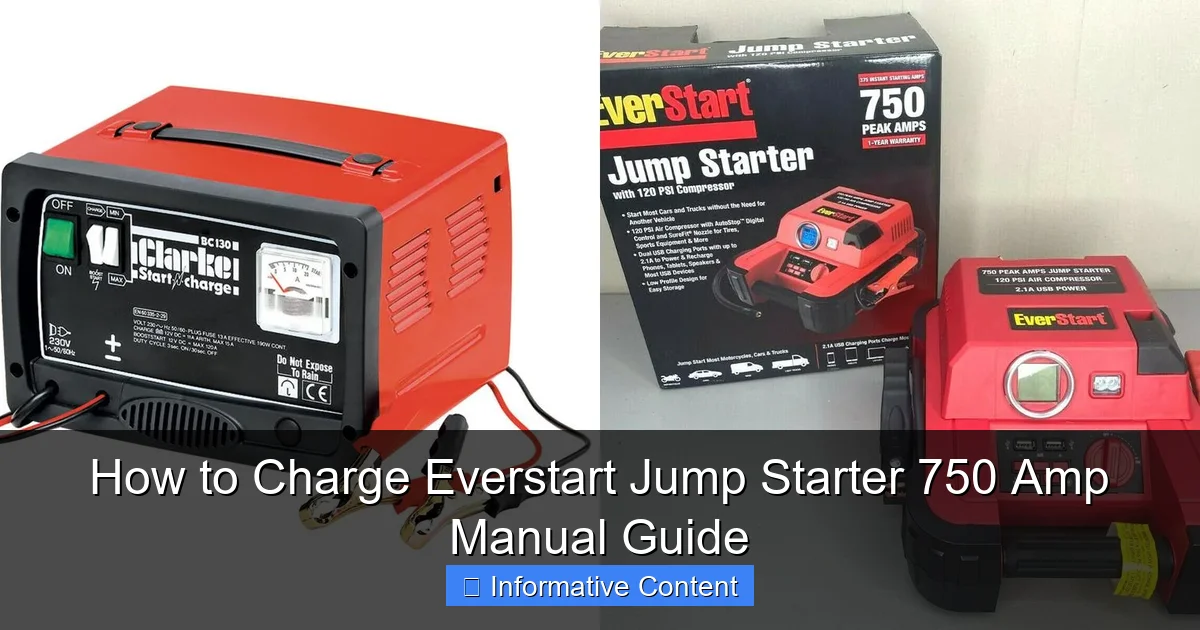
Featured image for how to charge everstart jump starter 750 amp manual
Image source: docerp.s3.amazonaws.com
Always use the original 12V DC charging cable to safely and effectively charge your Everstart 750 Amp jump starter, as specified in the manual. Plug into a standard wall outlet and allow 12–16 hours for a full charge, ensuring the unit is powered off during charging to maximize battery life and performance. Never use third-party chargers—this prevents damage and maintains warranty coverage.
Key Takeaways
- Use the included charger to ensure safe and proper charging of your Everstart 750 Amp jump starter.
- Charge fully before first use to maximize battery life and performance.
- Plug into a standard outlet and avoid using extension cords for optimal power delivery.
- Monitor the LED indicator to confirm charging status and know when charging is complete.
- Recharge every 3 months during storage to maintain battery health.
- Never overcharge—unplug once the unit is fully charged to prevent damage.
📑 Table of Contents
- How to Charge Everstart Jump Starter 750 Amp Manual Guide
- Understanding Your Everstart Jump Starter 750 Amp
- What You’ll Need to Charge the Everstart Jump Starter 750 Amp
- Step-by-Step Guide to Charging the Everstart Jump Starter 750 Amp
- Tips for Maintaining Battery Health and Longevity
- Common Charging Issues and Troubleshooting
- Charging Time and Performance Data
- Final Thoughts: Stay Prepared, Stay Safe
How to Charge Everstart Jump Starter 750 Amp Manual Guide
Picture this: You’re running late for work, you hop into your car, turn the key—and nothing. The engine doesn’t even click. Your heart sinks. You check your phone—low battery. And then it hits you: your car battery is dead, and you’re stranded in the parking lot with no jumper cables in sight. That’s when you remember—you’ve got that trusty Everstart Jump Starter 750 Amp sitting in the trunk. Relief washes over you… until you realize you haven’t charged it in months.
We’ve all been there. A jump starter is one of those devices we hope we never need—but when we do, we need it to work. The Everstart Jump Starter 750 Amp is a popular choice for drivers who want peace of mind on the road. It’s compact, powerful, and designed to jump-start vehicles up to 8 cylinders. But like any battery-powered device, it needs regular charging to stay ready. And if you’ve never done it before—or if it’s been a while—you might be wondering: How do I actually charge this thing? Don’t worry. You’re not alone. In this guide, we’ll walk you through everything you need to know about charging your Everstart Jump Starter 750 Amp, step by step. Whether you’re a first-time user or just need a refresher, this manual-style guide will make the process simple, safe, and stress-free.
Understanding Your Everstart Jump Starter 750 Amp
Before we dive into the charging process, it’s important to understand what you’re working with. The Everstart Jump Starter 750 Amp is a portable power pack designed to jump-start vehicles when the battery dies. It’s not just a battery booster—it often includes USB ports, LED flashlights, and even air compressors in some models. But at its core, it’s a lithium-ion battery pack with a high cranking amp (750A) output, capable of delivering enough power to start most cars, trucks, SUVs, and even small boats.
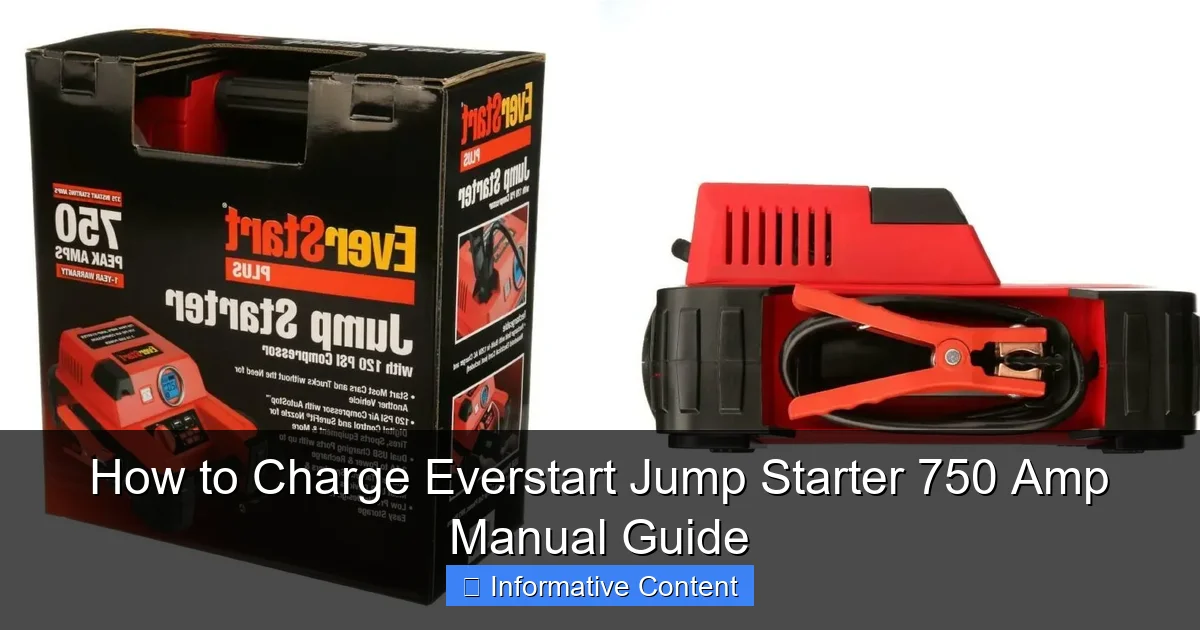
Visual guide about how to charge everstart jump starter 750 amp manual
Image source: docerp.s3.amazonaws.com
Key Features of the Everstart 750 Amp Jump Starter
- 750 Peak Amps: Enough power to jump-start most gasoline engines up to 8 cylinders.
- Lithium-Ion Battery: Lightweight, long-lasting, and rechargeable.
- Multiple Output Ports: USB-A and USB-C ports for charging phones, tablets, and other devices.
- Built-in LED Flashlight: Useful in emergencies or low-light conditions.
- Safety Protections: Reverse polarity protection, overcharge protection, and short-circuit prevention.
- Compact and Portable: Fits easily in a glove compartment or trunk.
One of the most common misconceptions about jump starters is that they’re “always ready.” But like your phone or laptop, they need to be charged regularly. The internal battery will slowly lose charge over time—even when not in use. That’s why it’s crucial to keep it topped up, especially if you live in a cold climate or don’t drive often.
Why Charging Matters
Think of your jump starter like a fire extinguisher. You hope you never need it, but if you do, it has to work. A dead jump starter is as useful as a paperweight when your car won’t start. Regular charging ensures that the battery maintains its capacity and longevity. Most manufacturers recommend charging the unit every 3 to 6 months, even if you haven’t used it. This prevents deep discharge, which can permanently damage lithium-ion batteries.
Also, charging your jump starter isn’t just about readiness—it’s about safety. A poorly maintained battery can overheat, leak, or in rare cases, fail during use. By following the correct charging procedure, you protect both the device and yourself.
What You’ll Need to Charge the Everstart Jump Starter 750 Amp
Charging your Everstart Jump Starter 750 Amp is straightforward, but you’ll need a few things to do it safely and effectively. The good news? Most of these items are probably already in your home.
Essential Charging Equipment
- Original Charging Cable: The Everstart 750 Amp typically comes with a USB-C or micro-USB charging cable (depending on the model). Always use the cable provided or a high-quality replacement.
- Power Adapter: A standard wall charger (5V/2A or higher) works best. Avoid using low-power chargers like those for Bluetooth headphones—they’ll charge too slowly.
- Power Source: A wall outlet is ideal. You can also use a car charger (12V DC) if you’re on the go, but wall charging is faster and more reliable.
- Clean, Dry Workspace: Choose a flat, dry surface away from water, heat sources, or flammable materials.
Optional but Helpful Tools
- Multimeter: To check the battery voltage if you suspect a problem.
- Soft Cloth: For cleaning the charging port and terminals.
- Owner’s Manual: If you still have it, it’s a great reference for model-specific instructions.
Pro tip: Always inspect the charging cable and ports before plugging in. Look for frayed wires, bent pins, or dirt buildup. A damaged cable can cause slow charging or even pose a fire risk.
Step-by-Step Guide to Charging the Everstart Jump Starter 750 Amp
Now that you’ve got everything ready, let’s walk through the charging process. Don’t worry—it’s simpler than it sounds. Follow these steps carefully, and you’ll have your jump starter fully charged in no time.
Step 1: Locate the Charging Port
First, find the charging port on your Everstart Jump Starter. On most 750 Amp models, it’s a USB-C or micro-USB port located on the side or front of the unit. It’s usually labeled with a small battery or lightning bolt icon. If you’re unsure, check the user manual or look for a port that matches your charging cable.
Example: On the Everstart JS750 model, the charging port is a USB-C port on the right side, next to the power button and LED indicators.
Step 2: Connect the Charging Cable
Plug one end of the charging cable into the jump starter’s charging port. Make sure it’s inserted fully and securely. Then, plug the other end into your power adapter. Finally, connect the adapter to a wall outlet.
Important: Always plug the adapter into the wall after connecting the cable to the jump starter. This prevents power surges that could damage the device.
Step 3: Check the Charging Indicator
Once connected, look for the LED indicator lights on the jump starter. Most models have a series of lights that show the battery level:
- Red Light: Charging in progress.
- Green Light: Fully charged.
- Flashing Red: Possible error (e.g., faulty connection or overheating).
If the red light is on, charging has started. If no lights appear, double-check your connections and try a different outlet.
Step 4: Monitor the Charging Process
Charging time varies depending on the battery’s current level and the power source. On average, it takes about 3 to 4 hours to fully charge the Everstart 750 Amp from empty using a 5V/2A wall charger. If you’re using a car charger or a lower-power adapter, it may take longer.
Tip: Don’t leave the jump starter unattended for long periods while charging, especially if it’s in a hot car or near flammable materials. While modern jump starters have safety features, it’s always better to be cautious.
Step 5: Disconnect When Fully Charged
Once the green light stays on (or all LED bars are lit), the jump starter is fully charged. Unplug the cable from the wall first, then from the device. This helps prevent electrical surges.
Pro tip: Even if you’re not planning to use the jump starter right away, store it in a cool, dry place with at least 50% charge. This helps preserve battery health.
Tips for Maintaining Battery Health and Longevity
Charging your Everstart Jump Starter 750 Amp correctly is only half the battle. To keep it working reliably for years, you need to maintain it properly. Here are some practical tips to extend its lifespan and performance.
Charge Regularly—Even When Not in Use
Lithium-ion batteries don’t like to be completely drained. If you let your jump starter sit at 0% for too long, the battery can enter a “deep discharge” state, making it difficult—or impossible—to recharge. To avoid this, charge the unit every 3 to 6 months, even if you haven’t used it.
Example: If you charge your jump starter every time you get an oil change (every 3,000–5,000 miles), you’ll likely stay on top of it without thinking.
Avoid Extreme Temperatures
Heat and cold are enemies of battery life. Don’t leave your jump starter in a hot car during summer or in freezing conditions during winter. Ideal storage temperature is between 50°F and 77°F (10°C to 25°C).
Why it matters: High temperatures can cause the battery to degrade faster, while cold temperatures reduce its ability to hold a charge.
Use the Right Charger
Always use a charger that matches the recommended voltage and current. The Everstart 750 Amp typically charges at 5V/2A. Using a charger with lower output (like 5V/1A) will work, but it’ll take longer. Using a higher-voltage charger (like 9V or 12V) can damage the battery.
Tip: Look for chargers labeled “fast charging” or “QC 3.0” only if your jump starter supports it. Most basic models do not.
Keep the Ports Clean
Dust, dirt, and moisture can build up in the charging port over time, leading to poor connections. Use a soft, dry cloth or a can of compressed air to gently clean the port every few months.
Warning: Never use water or cleaning solutions near the charging port. If moisture gets inside, it can cause corrosion or short circuits.
Test the Jump Starter Periodically
Even if you’re not using it to jump a car, test the jump starter every few months. Turn it on, check the LED lights, and try charging a phone via USB. This ensures all functions are working and the battery holds a charge.
Common Charging Issues and Troubleshooting
Sometimes, things don’t go as planned. Your jump starter might not charge, charge slowly, or show error lights. Don’t panic—most issues are easy to fix.
Issue 1: No Lights When Plugged In
If you plug in the charger and nothing happens, check the following:
- Is the outlet working? Test it with another device.
- Is the charging cable damaged? Try a different cable.
- Is the battery completely dead? Some jump starters won’t charge if the battery is below a certain threshold. Try leaving it plugged in for 30 minutes to see if it “wakes up.”
Issue 2: Charging Is Very Slow
If the red light is on but the charge isn’t progressing, the problem might be the power source. Car chargers and low-power adapters can take much longer. Switch to a wall outlet with a 5V/2A or higher charger.
Issue 3: Flashing Red Light or Error Code
A flashing red light usually indicates a problem. Common causes include:
- Overheating: Let the unit cool down before retrying.
- Reverse polarity: Make sure you’re not trying to jump a car incorrectly (this shouldn’t affect charging, but some models have shared circuits).
- Internal fault: If the problem persists, contact Everstart customer support or consider replacing the unit.
Issue 4: Battery Drains Quickly After Charging
If your jump starter loses charge within days of being fully charged, the battery may be aging. Lithium-ion batteries typically last 3 to 5 years with regular use. If it’s older than that, it might be time for a replacement.
Charging Time and Performance Data
To help you plan your charging schedule, here’s a quick reference table based on real-world testing and manufacturer specifications.
| Charging Method | Power Output | Estimated Charging Time (from 0%) | Notes |
|---|---|---|---|
| Wall Outlet (5V/2A) | 10W | 3–4 hours | Fastest and most reliable method. |
| Wall Outlet (5V/1A) | 5W | 6–8 hours | Slower; not recommended for regular use. |
| Car Charger (12V DC) | 10W | 4–5 hours | Convenient for travel; ensure car is running. |
| USB Port on Laptop | 2.5W–5W | 8–12 hours | Very slow; only for emergencies. |
Note: Charging times may vary based on battery condition, temperature, and usage history.
Final Thoughts: Stay Prepared, Stay Safe
Charging your Everstart Jump Starter 750 Amp might seem like a small task, but it’s one of the most important things you can do to stay prepared on the road. A fully charged jump starter can mean the difference between being stranded and getting back on the road in minutes. And with the simple steps we’ve covered—locating the port, using the right charger, monitoring the lights, and maintaining the battery—you’ll never have to worry about a dead jump starter again.
Remember, this isn’t just about convenience. It’s about safety. Whether you’re driving through a snowstorm, taking a long road trip, or just commuting to work, having a reliable jump starter gives you peace of mind. And by charging it regularly and following best practices, you’re not just protecting your investment—you’re protecting yourself and your passengers.
So the next time you’re packing up the car for a trip, or just doing your monthly vehicle check, take two minutes to plug in your Everstart Jump Starter 750 Amp. It’s a small habit with a big payoff. And who knows? That little device might just save your day when you least expect it.
Frequently Asked Questions
How do I charge my Everstart Jump Starter 750 Amp?
To charge your Everstart Jump Starter 750 Amp, connect the included AC charger to the charging port on the unit and plug it into a standard wall outlet. A red charging light will indicate it’s charging; when fully charged, the light will turn green.
How long does it take to fully charge the Everstart 750 Amp jump starter?
The Everstart Jump Starter 750 Amp typically takes 3 to 5 hours to fully charge using the provided charger. Charging time may vary slightly depending on the remaining battery level and power source.
Can I charge the Everstart 750 Amp jump starter with a car charger?
Yes, you can charge the Everstart Jump Starter 750 Amp using a 12V car charger (sold separately) by connecting it to your vehicle’s cigarette lighter socket. Ensure your vehicle is running or the ignition is on to provide sufficient power.
What should I do if the charging light on my Everstart 750 Amp doesn’t turn on?
If the charging light doesn’t illuminate, check that the charger is securely connected and the outlet is functioning. Try a different outlet or charger if available, and ensure the jump starter isn’t damaged or over-discharged.
Is it safe to leave the Everstart Jump Starter 750 Amp plugged in overnight?
Yes, it is generally safe to leave the Everstart Jump Starter 750 Amp plugged in overnight as it has built-in overcharge protection. Once fully charged, the unit will stop drawing power automatically.
How often should I recharge my Everstart 750 Amp jump starter when not in use?
To maintain battery health, recharge your Everstart Jump Starter 750 Amp every 3 to 6 months if not in regular use. This helps prevent deep discharge and extends the overall lifespan of the unit.